
Download RD Tunnel Pro APK – Free Unlimited VPN, Mobile Security, Fast Secure Connection
Overview
RD Tunnel Pro is a mobile VPN application developed by MHR Tech Network, designed to provide users with secure and unrestricted internet access on Android devices. The software functions as a virtual private network client, enabling users to protect their online activities while browsing the web, accessing geo-restricted content, and maintaining anonymity. It targets casual users, mobile internet consumers, and individuals seeking a free solution for enhanced privacy without subscription commitments.
The app operates on an ad-supported business model, which allows for free access to its core features, including unlimited connection speeds and IP masking. Real-world usage scenarios include securing connections on public Wi-Fi networks, bypassing regional content blocks, and protecting sensitive data during online transactions. While the developer has not provided detailed information about the company’s background or security protocols, the application’s primary focus is on simplicity and accessibility.
Users are expected to benefit from a straightforward experience, particularly those who prioritize ease of use over advanced customization. The lack of transparency in the data-handling policy, however, remains a notable consideration for privacy-conscious individuals.
Key Features & Capabilities
- One-Tap Operation: Users can initiate a secure connection with a single tap, making it ideal for non-technical users seeking instant protection.
- Automatic Server Selection: The app intelligently chooses the optimal server based on the user’s current location, reducing latency and improving connection speed.
- Manual Server Configuration: Advanced users can manually select preferred servers, offering greater control over their connection routes.
- IP Masking: Conceals the user’s real IP address, enhancing online anonymity and helping avoid tracking by third parties.
- Unlimited Connection Speeds: Promises full utilization of the user’s internet service provider’s bandwidth, supporting smooth browsing and streaming.
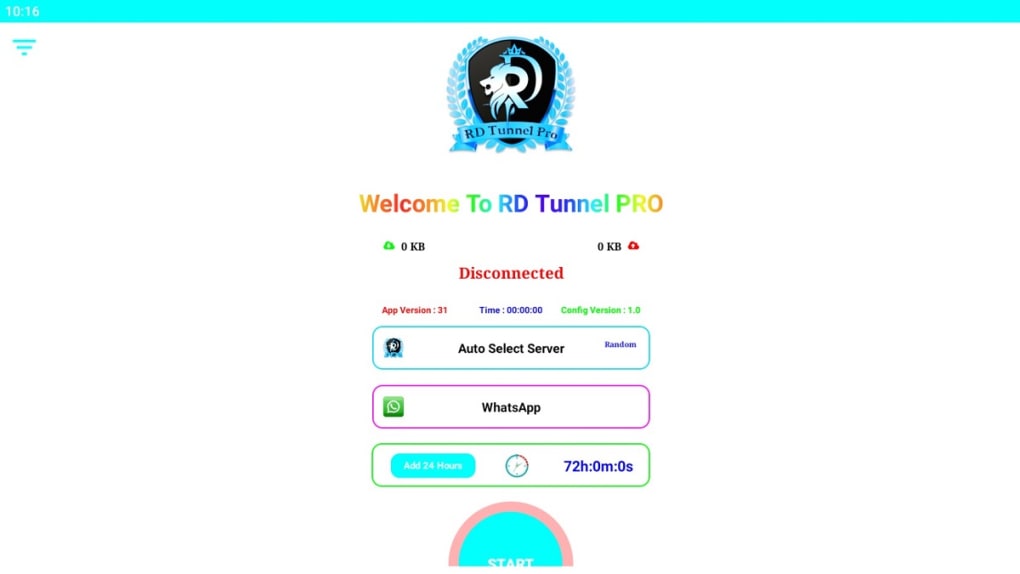
- Real-Time Connection Metrics: Displays upload and download speeds in kilobytes, connection duration, and network type (Wi-Fi or mobile) directly on the main screen.
- Geo-Restriction Bypass: Enables access to region-locked websites and services, useful for travelers or users in restricted regions.
These features collectively support a seamless browsing experience, particularly for users who value convenience and immediate security. The real-time metrics help users monitor performance, while the ability to bypass content blocks enhances digital freedom. The app’s design prioritizes functionality over complexity, making it suitable for everyday mobile use. However, the absence of detailed technical specifications means that actual performance may vary depending on network conditions and server availability.
User Interface, Workflow & Performance
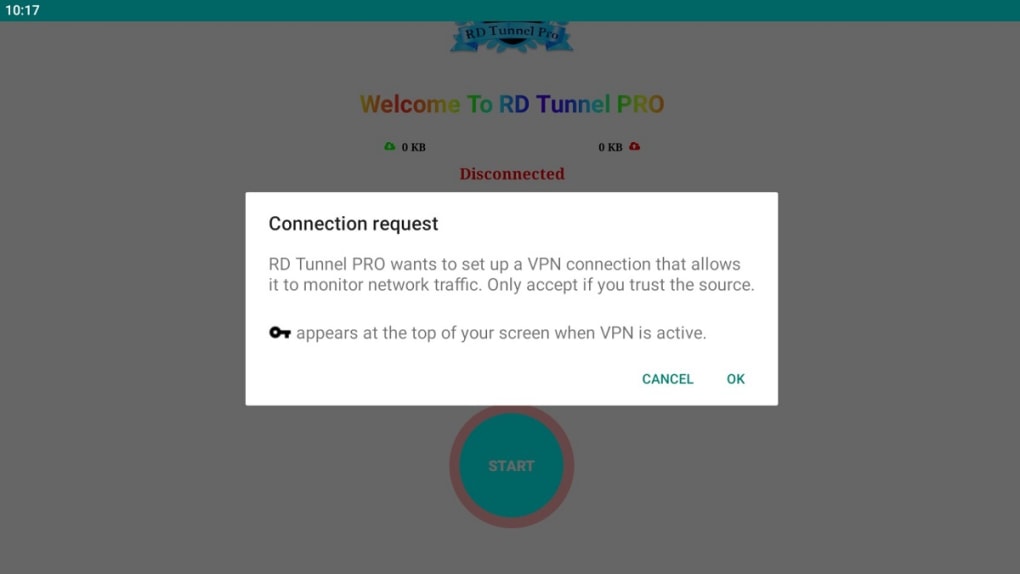
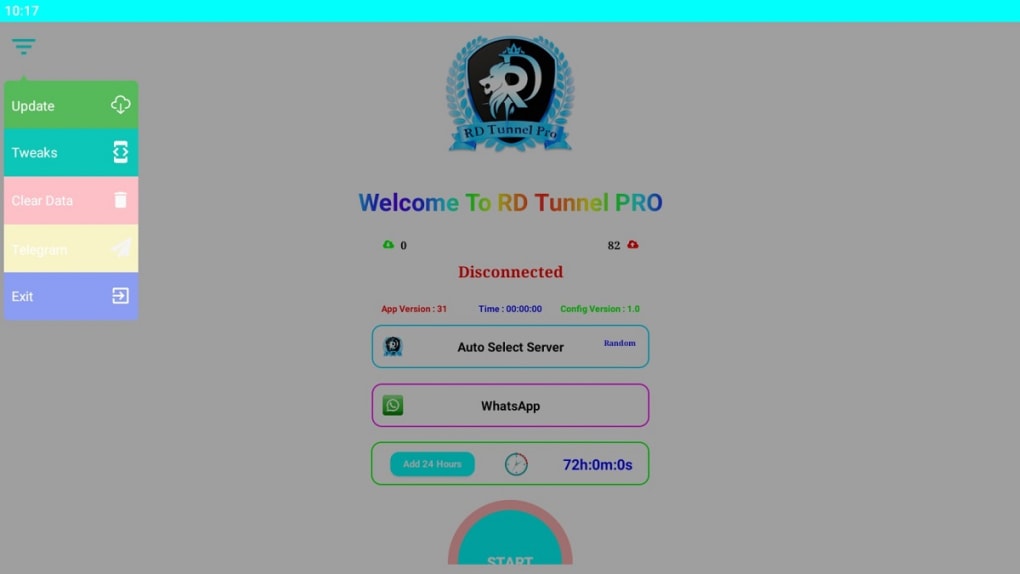
The user interface of RD Tunnel Pro is minimalistic and intuitive, featuring a clean layout with essential elements prominently displayed. The main screen includes real-time indicators for data transfer rates, connection time, and network status, all presented in a straightforward format. Navigation is limited to a central “Start” button and a few secondary icons, ensuring that users can quickly establish a secure connection without confusion.
The workflow is highly efficient, requiring minimal interaction to begin and maintain a session. Once activated, the app runs in the background, automatically managing the connection. Performance observations are based on general software behavior patterns; no official data on CPU or RAM usage was provided.
The developer did not specify resource usage details. Stability appears to be consistent for basic operations, though prolonged use may depend on device capabilities and network conditions. Ad placements are present but described as non-intrusive, minimizing disruption to the user experience.
Overall, the app delivers a smooth and responsive interface, aligning with expectations for a lightweight mobile utility.
Compatibility & System Requirements
RD Tunnel Pro is designed for Android devices and is distributed as an APK file, allowing installation on a wide range of mobile platforms. The software version and exact file size are not specified in the provided information. Compatibility with specific Android versions or hardware configurations was not listed.
The developer did not provide additional system requirements. Users should ensure their device supports APK installations and has sufficient storage space for the application. It is recommended to verify the app’s compatibility with the device’s operating system before installation.
For users unfamiliar with sideloading, additional setup steps may be required. Platform compatibility information is limited, and no details were provided regarding support for iOS or other mobile ecosystems.
Pros and Cons
Pros
- Free to use with no subscription required
- One-tap connection for instant security
- Automatic server selection for optimal performance
- Unlimited connection speeds
- Simple, clean user interface
- Real-time connection monitoring
- Supports geo-restriction bypass
- Ad-supported model with non-intrusive ads
Cons
- Data-handling policy is unclear
- No official information on system requirements
- APK installation may require enabling unknown sources
- Limited customization options
- Not available on official app stores
- Potential privacy risks due to lack of transparency
FAQ Section
Is RD Tunnel Pro available on Google Play?
RD Tunnel Pro is distributed as an APK file and is not available on official app stores such as Google Play. Users must manually install the app from a third-party source.
Can I use RD Tunnel Pro offline?
The app requires an active internet connection to function. It cannot operate in offline mode.
Is RD Tunnel Pro safe to download?
While the app is free and functional, the developer has not disclosed a clear data-handling policy. Users should exercise caution and ensure they download from a trusted source to minimize security risks.
Does RD Tunnel Pro support iOS devices?
There is no information indicating support for iOS. The application is currently designed for Android devices only.
How often does RD Tunnel Pro update?
The update frequency is not specified. Users are advised to check the developer’s website or trusted sources for the latest version.
Final Thoughts + CTA
RD Tunnel Pro offers a compelling option for users seeking a free, easy-to-use mobile VPN with basic privacy and access features. Its one-tap functionality, automatic server selection, and real-time performance tracking make it suitable for everyday browsing and light streaming. While the lack of transparency in its data policy is a concern, the app remains functional and accessible for those who prioritize convenience over advanced security.
It is particularly well-suited for casual users, travelers, or individuals in regions with content restrictions. However, privacy-focused users or those requiring enterprise-grade protection should consider more transparent alternatives. Overall, RD Tunnel Pro delivers on its core promise: a free, fast, and simple way to enhance mobile internet security.
Download RD Tunnel Pro now.





.png)

